Open Road
Open Road vs OVERDRIVE: Two Ways to Keep Roads Driven
Open Road and OVERDRIVE both focus on recording roads you drive. Open Road combines a drive log, stats and driving with friends. OVERDRIVE’s site emphasises roads lighting up, discovery zones and a smooth-driving score. Choose by the experience you want to keep using after a drive.


Free to download. Open Road Pro is optional, with a 3-day trial on the yearly plan.
What OVERDRIVE’s own site emphasises
OVERDRIVE presents a map that lights up street by street, with discovery zones and rewards. Its site describes a flow score focused on smoothness and shows the recorded route replaying after a drive.
Those are useful distinctions if you want the exploration game itself to structure your journeys. The current site presents an iPhone experience; check its store listing for your device rather than assuming a platform from the website alone.
Compare the job you need to do
| Question | Open Road | OVERDRIVE site emphasis |
|---|---|---|
| What is saved? | Recorded drive log and road map | Road discovery and drive replay |
| What surrounds the map? | Stats, friends and convoys | Zones, medals and flow score |
| Where to check device fit? | iPhone and Android store links | Current store listing |
What Open Road brings together
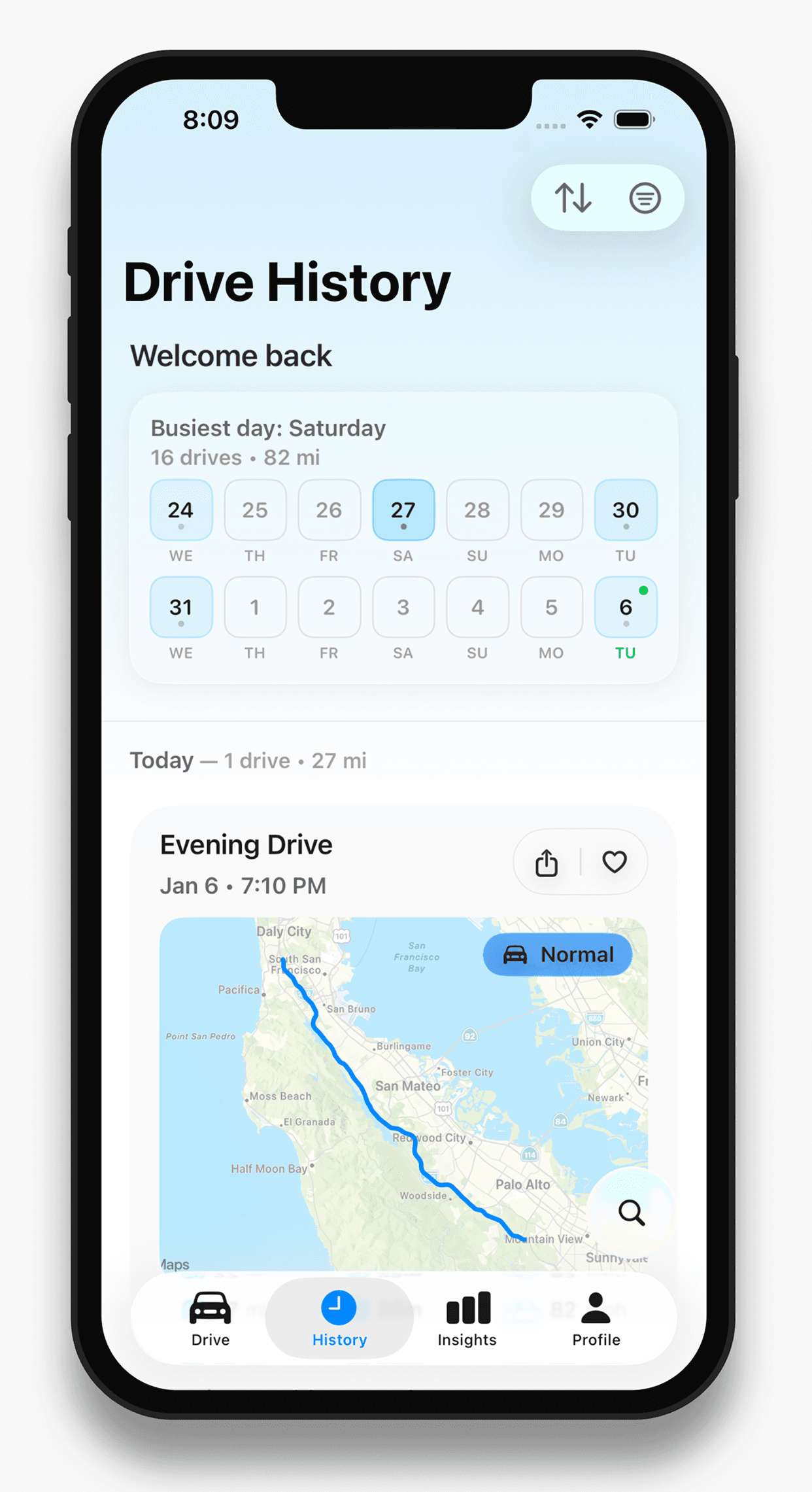
Open Road keeps recorded drives with route, time, distance and top speed, a combined roads map, and friends and convoys. It is available on iPhone and Android.
Start with the drive log if you want a chronological record, or use the roads map if you want to see exploration across drives. This comparison does not score the products against invented benchmarks or claim that a peak speed is a performance target.
A practical way to compare
Record a familiar short drive in the app you are evaluating. After parking, check the route, how easy the saved drive is to find, and what the overall map adds. Review setup and background behaviour on your own device. Keep existing records until any desired transfer is confirmed.
About this guide
Published by Open Road. Updated 2026-11-03. App screens show example recorded drives.
All driving guides and free toolsQuestions, answered
- Do both apps map roads driven?
- Yes. Both describe a driving-based roads map. Their surrounding experiences differ: Open Road combines a drive log and social driving, while OVERDRIVE emphasises lit roads, zones and smoothness.
- Does this comparison guarantee data transfer?
- No. Check the exact export and import workflow before switching; keep the original records.
- Who wrote this comparison?
- Open Road publishes it about its own product. OVERDRIVE’s official site is linked so you can inspect its claims directly.
Keep your next drive
Get Open Road for iPhone or Android. Free to download, with optional Pro. The yearly Pro plan has a 3-day trial.