Open Road
A speedometer app for iPhone that keeps your drives
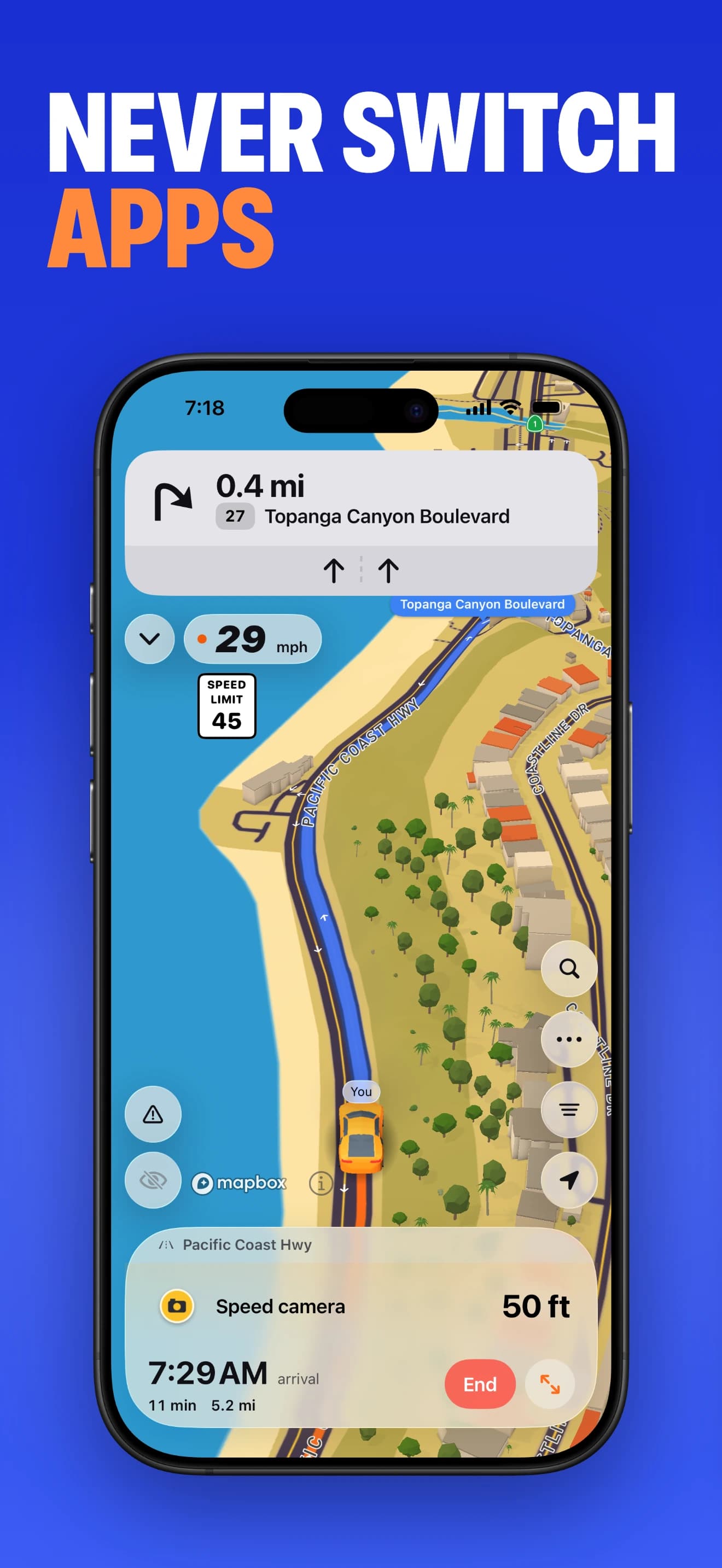
Open Road is a GPS speedometer app for iPhone that shows speed in mph or km/h and keeps top speed with your recorded drives. It also supports automatic drive recording, a map of roads driven and CarPlay.

Free to download. Open Road Pro is optional, with a 3-day trial on the yearly plan.
Set it up before your first drive
- Download Open Road from the App Store and open the app.
- Follow the in-app recording setup and allow the location access it requests. Precise location helps the GPS reading.
- Choose mph or km/h and set up automatic recording before leaving.
- After you park, open your drive log to see the saved route, time, distance and top speed.
When a browser speedometer is enough
If you just want to check your speed once, open our online speedometer in Safari. The browser needs location permission and an open tab. Browsers may pause location updates when the phone locks or the tab is hidden. Use the app for recording drives in the background.
Use CarPlay in a compatible car
Open Road also works with Apple CarPlay. Set up Open Road on your iPhone first, then connect to your compatible car. CarPlay gives you the driving map and navigation; review your drive history on the phone after parking.
iPhone and Android, when friends use both
This guide is for iPhone, but Open Road is also on Android. Friends can join each other on the live map or in convoys across the two phone platforms. CarPlay is the iPhone car display experience. Open Road is free to download, with optional Pro and a 3-day trial on the yearly Pro plan.
Questions, answered
- What is a speedometer app for iPhone that saves drives?
- Open Road shows live GPS speed on iPhone and saves recorded drives with their route, time, distance and top speed.
- Will it work with the iPhone screen locked?
- The native Open Road app supports background drive recording after the required recording and location setup. A browser tab may pause GPS when the screen locks.
- Why does GPS speed show zero on my iPhone?
- You may be stationary or have weak GPS reception. Check the location access requested by the app and try outside with a clear view of the sky. Indoor and tunnel readings can be unreliable.
- Is there an Android version too?
- Yes. Open Road is available on Google Play as well as the App Store. Apple CarPlay is used with the iPhone version.
Keep your next drive
Get Open Road for iPhone or Android. Free to download, with optional Pro. The yearly Pro plan has a 3-day trial.