Open Road
Open Road vs TripLog: Driving Memories or Work Records?
Open Road keeps personal drives and a map of recorded roads. TripLog focuses on mileage and expense reporting for individuals and teams. If your required outcome is a work report, evaluate TripLog’s reporting workflow; Open Road does not provide business trip classification or tax-ready reports.


Free to download. Open Road Pro is optional, with a 3-day trial on the yearly plan.
What TripLog’s product page describes
TripLog publishes automatic mileage tracking, reporting, expense tools and optional tracking hardware. Its Beacon triggers tracking through a Bluetooth device; its Drive product is a dedicated GPS mileage device with a trip classification button.
Those details matter when you are choosing how a work log will be captured and reviewed. Check current platform and plan information directly before depending on a particular integration. This guide does not compare prices or certify reporting compliance.
Compare the job you need to do
| Need | Product to evaluate | Published focus |
|---|---|---|
| Remember a personal drive | Open Road | Route, stats and recorded roads |
| Mileage and expense reporting | TripLog | Reporting workflow for individuals and teams |
| Dedicated mileage hardware | TripLog | Optional Beacon and Drive devices |
What you keep in Open Road
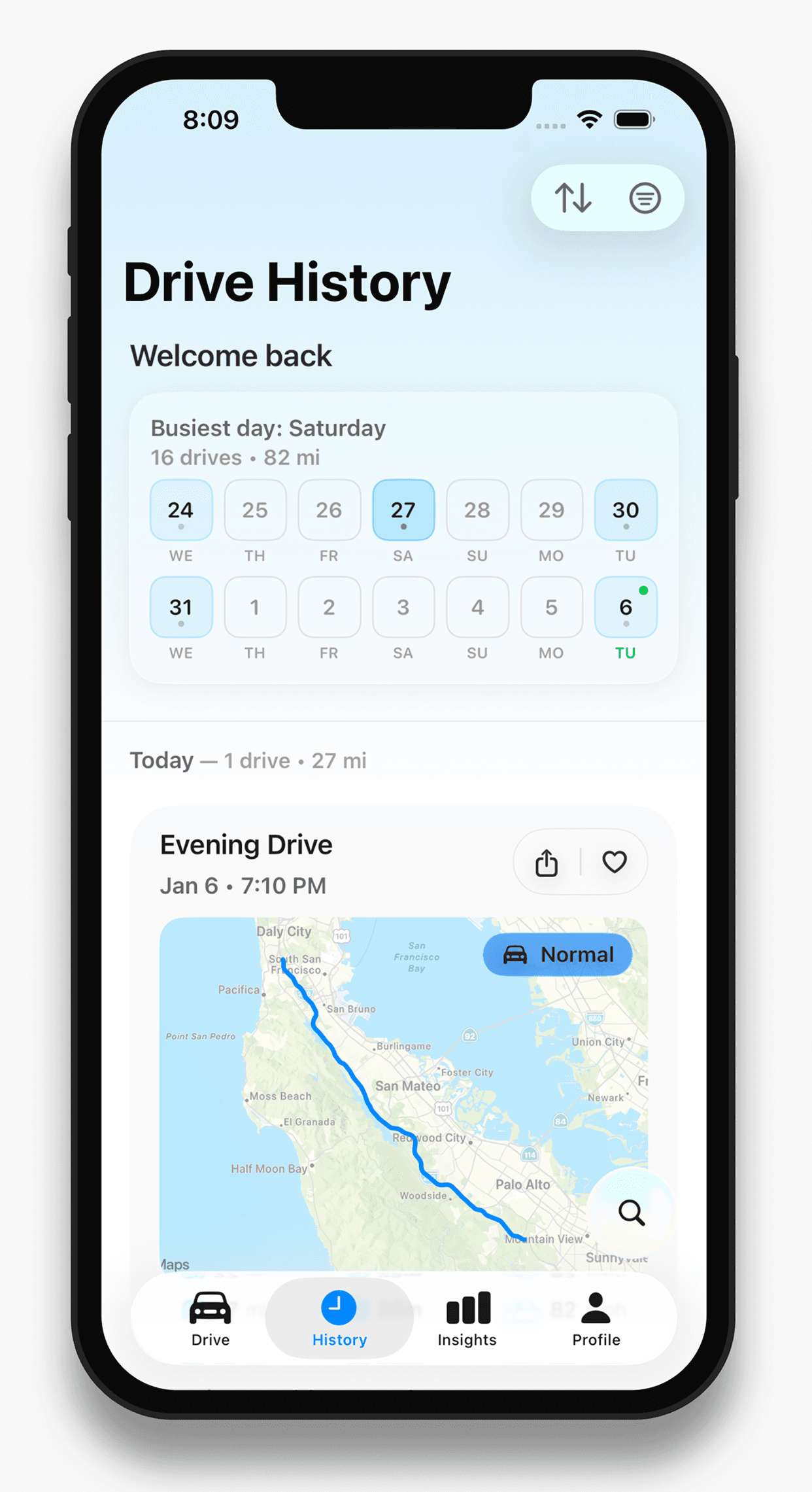
A recorded drive has route, time, distance and top speed. Individual drives form a chronological log, and recorded roads form an overall map. Friends and convoys are part of the driving experience.
That is a different outcome from classifying expenses or preparing an employer report. Open Road is not described here as a substitute for TripLog’s business-reporting functions.
Choose the outcome before the app
If you want a record to remember a favourite route, test the personal driving workflow. If you need a report for a work process, verify that report in the reporting product first. Keep the original records before moving tools, and do not assume a direct sync or migration exists.
About this guide
Published by Open Road. Updated 2026-11-03. App screens show example recorded drives.
All driving guides and free toolsQuestions, answered
- Is Open Road a TripLog replacement?
- For personal routes and a roads map, it may suit you. It does not replace TripLog’s business mileage and expense reporting workflow.
- Does Open Road need a separate tracking device?
- The driving workflow described here uses the phone app and its location services. This comparison does not require optional mileage hardware.
- Does this page compare current subscription prices?
- No. It compares the jobs the products describe. Check each app’s current store or pricing page for purchase terms.
Keep your next drive
Get Open Road for iPhone or Android. Free to download, with optional Pro. The yearly Pro plan has a 3-day trial.