Open Road
Automatic Drive Tracking: Set Up and Check Your First Drive
Open Road supports automatic drive recording after in-app setup. Give the app the location access it requests, check recording settings, then verify a short drive in your history. Automatic tracking depends on phone settings and should be checked before an important trip.


Free to download. Open Road Pro is optional, with a 3-day trial on the yearly plan.
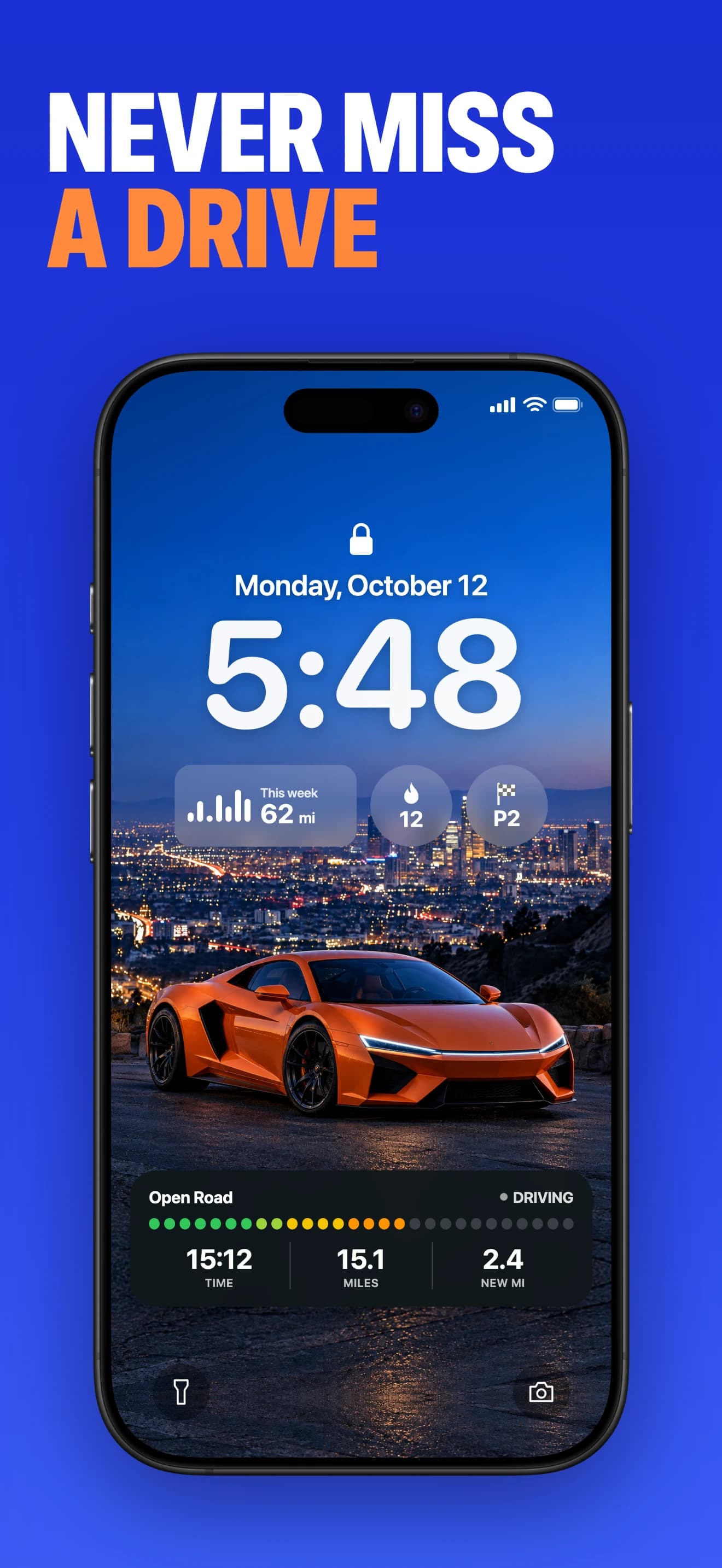
What automatic recording changes
The goal is a drive log you can look back on without remembering to start a browser tab each time. Open Road saves recorded routes with time, distance and top speed, then adds recorded roads to your overall map.
Automatic does not mean reconstructing every journey you made before installing the app. It also does not remove the need to set up location and recording. Your first check should be a short route you know.
A parked setup, a short drive, a parked review
Install the app for your phone, finish setup and review the recording options. Allow the requested location permissions. On iPhone, review location and motion access when requested; on Android, review background access and device battery restrictions.
Take a short familiar drive. After parking, open history and check the date, route, start and end. If a section is missing, correct settings and repeat this small test before a longer trip. Permission wording can change with operating-system versions.
What to check when a drive is missing
Check whether recording was enabled, whether the app had usable location access and whether the operating system restricted background activity. A recorded route is evidence that setup worked for that journey; it is not a guarantee that every future drive will be captured.
About this guide
Published by Open Road. Updated 2026-11-03. App screens show example recorded drives.
All driving guides and free toolsQuestions, answered
- Does Open Road record drives automatically?
- Yes. Complete recording and location setup in the app, then check a short recorded drive in history.
- Will it find trips from before I installed it?
- Do not expect automatic reconstruction of earlier journeys. Set up the app before the drives you want to keep.
- Why should I test automatic recording?
- Phone permissions and background restrictions can interrupt recording. A short familiar drive lets you check the result before a longer journey.
Keep your next drive
Get Open Road for iPhone or Android. Free to download, with optional Pro. The yearly Pro plan has a 3-day trial.