Open Road
Record a Drive with Your Phone Screen Off
For a saved drive with the screen off, use the Open Road app with background recording configured. A mobile browser may pause GPS when its tab is hidden or the phone sleeps. Check a short screen-off recording before depending on it for a long journey.


Free to download. Open Road Pro is optional, with a 3-day trial on the yearly plan.
Why a browser tab can stop updating
The online speedometer is designed for a quick live check while the tab is open. Mobile operating systems can suspend background browser activity. A page that stops updating after you lock the phone is not evidence that the phone GPS receiver has failed.
The native app can request the access it needs for background recording. It still depends on your permission choices and device restrictions. Opening a website and installing a drive tracker are different workflows.
Test the condition you intend to use
While parked, complete Open Road recording setup and review location permission. On Android, also check app battery restrictions. Lock the phone for a short familiar drive, then park before checking history.
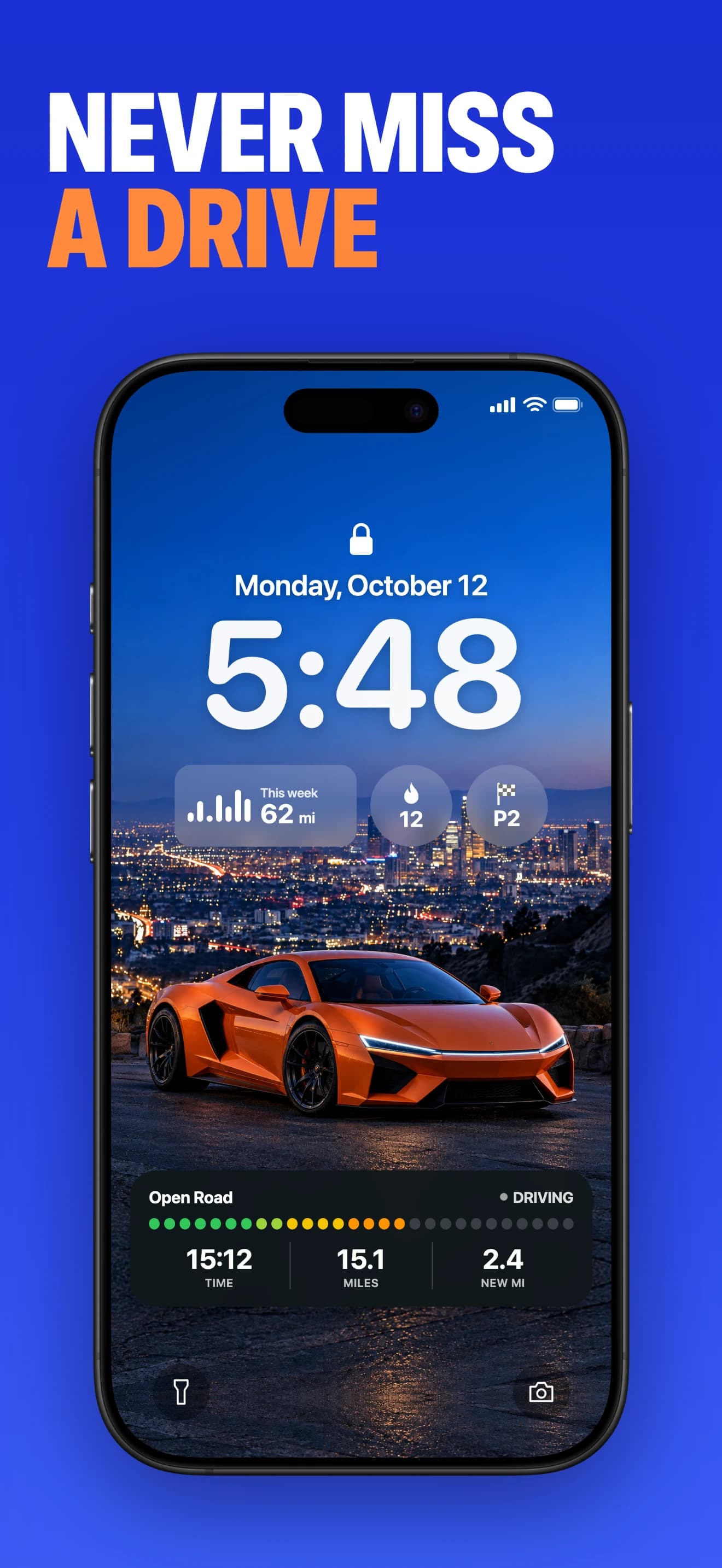
Confirm the route includes the section driven with the screen off. If it only records while visible, review background permissions before repeating the test. Do not assume a Lock Screen display alone proves that the whole journey was saved.
Keep the saved drive separate from the live display
A live number answers what is happening now. A saved drive lets you review the route, time, distance and top speed later. The browser tool cannot pass its earlier session into Open Road, so start the app workflow before your next drive.
About this guide
Published by Open Road. Updated 2026-11-03. App screens show example recorded drives.
All driving guides and free toolsQuestions, answered
- Can the website record reliably with the screen off?
- Mobile browsers may pause GPS when hidden or asleep. Use the native app and verify its background setup for a saved drive.
- What should I check on Android?
- Review location access, the app recording settings and any device battery restriction that limits background activity. Names vary by phone.
- Can I save the browser drive into Open Road afterward?
- No. Browser sessions cannot be imported into the app. Configure Open Road before your next drive.
Keep your next drive
Get Open Road for iPhone or Android. Free to download, with optional Pro. The yearly Pro plan has a 3-day trial.