Open Road
How to Track a Road Trip: Before, During and After
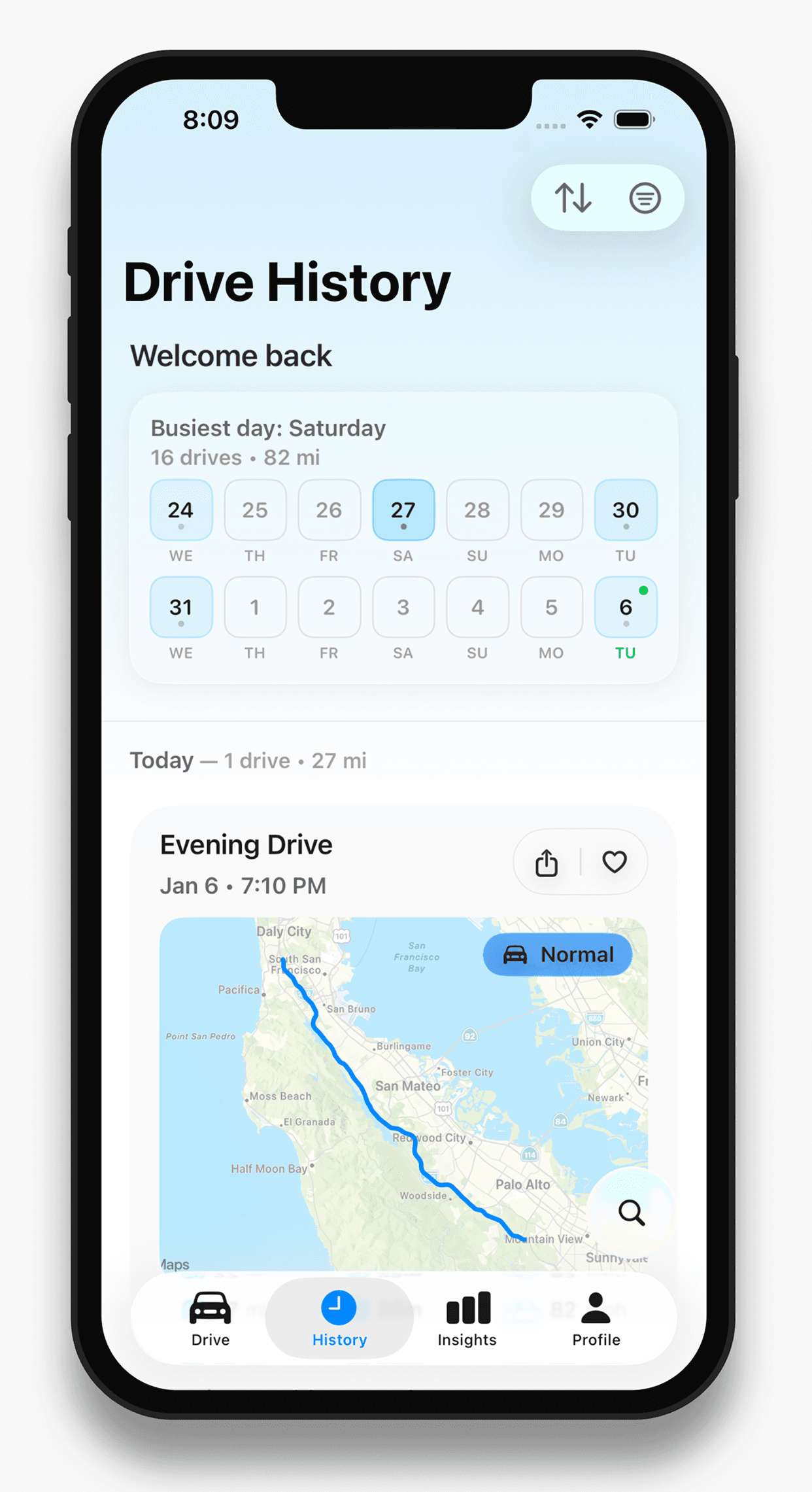
To track a road trip, configure a drive recorder before leaving, verify a short journey and check the saved route after each day. Open Road keeps recorded drives with their route, time, distance and top speed, alongside a map of your recorded roads.


Free to download. Open Road Pro is optional, with a 3-day trial on the yearly plan.
Before leaving: prove the setup on a small journey
Install Open Road on your phone, finish recording setup and allow the location access it requests. Record a short familiar route using the same screen-off setup you expect on the trip. Park and check both ends of that drive.
Plan charging and navigation separately. If you expect poor connectivity, test that condition in advance. The ability to receive a GPS fix alone does not guarantee offline maps, navigation or syncing.
On the trip: let the phone record
Set up while parked and keep interaction to stops or a passenger. Record the roads you actually take rather than trying to force the drive to match an itinerary. A route tracker is most useful when a detour is part of the memory.
At a stop, check that recording is still working before the next long stretch. If a section is missing, review location access and background restrictions. Discovering a gap the same day is better than expecting the app to reconstruct it later.
After each day: keep the context
Open the saved drives and check the route, time and distance. Note the date with your photos or written journal. The individual drives tell the daily story; the combined roads map shows where the trip added to your wider driving history.
About this guide
Published by Open Road. Updated 2026-11-03. App screens show example recorded drives.
All driving guides and free toolsQuestions, answered
- What is the first thing to do before recording a long trip?
- Complete app setup and check a short familiar drive. Use the same phone and screen-off conditions you expect on the trip.
- Should I use a planner or a tracker?
- Use a planner for places and a proposed itinerary. Use a tracker for the route actually driven. They answer different questions.
- Can the tracker fill in a missed day automatically?
- Do not expect an unrecorded day to be reconstructed. Check the saved record at stops or after each day and correct settings promptly.
Keep your next drive
Get Open Road for iPhone or Android. Free to download, with optional Pro. The yearly Pro plan has a 3-day trial.