Open Road
Road Trip Planner vs Tracker: Which Do You Need?
A road-trip planner helps decide where to go. A tracker records where you actually went. Use Open Road for the saved drive, route and stats; use your chosen planner for an itinerary, stops and arrangements before leaving.

Free to download. Open Road Pro is optional, with a 3-day trial on the yearly plan.
An itinerary is a proposal
Before a trip, choose destinations and stops, check practical details and build a plausible route. That planned line is useful for preparation. It can change when you follow a detour, stop somewhere unexpected or choose another road.
Do not label a planned route as a recorded journey. A planner calculates a path from the places you give it; it does not establish the road you actually took last week.
Compare the job you need to do
| Task | What you need | What it tells you |
|---|---|---|
| Choose stops | Planner | Where you intend to go |
| Follow directions | Navigation | How to reach the next place |
| Keep the journey | Tracker | Where you actually drove |
A recording is a history
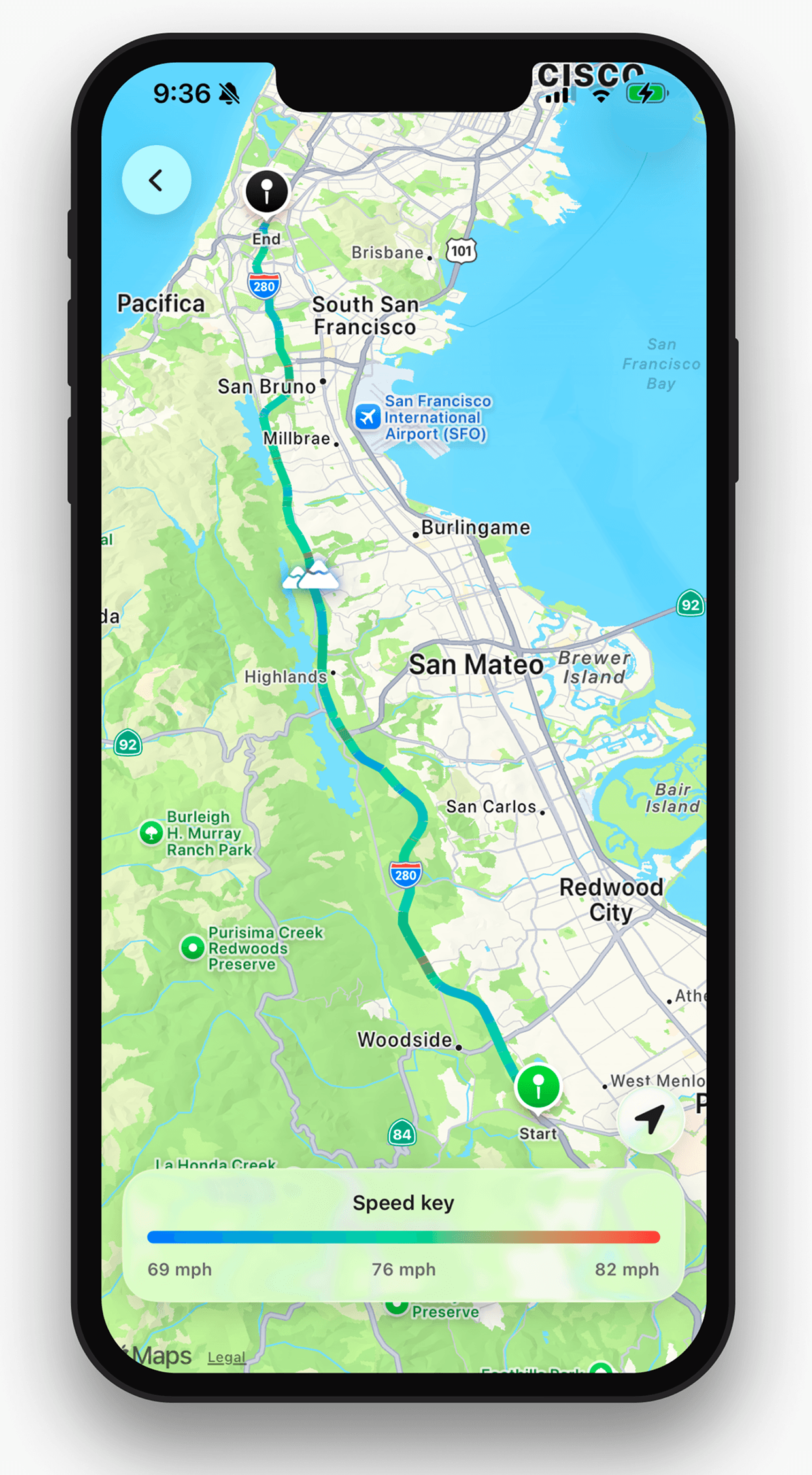
A drive tracker receives location during the journey and keeps the resulting route. Open Road saves recorded drives with time, distance and top speed, and combines recorded roads on your map.
Navigation is a third task: directions during the drive. An app can cover more than one task, but checking a navigation feature does not prove that recording or a complete itinerary editor is included.
Use the tools together
Plan the places in the tool you already prefer. Set up Open Road before leaving, verify a short drive and review the record after parking. Keep dates alongside photos or notes so the route and the memories remain easy to connect.
About this guide
Published by Open Road. Updated 2026-11-03. App screens show example recorded drives.
All driving guides and free toolsQuestions, answered
- Is a road-trip tracker the same as a planner?
- No. A planner proposes an itinerary; a tracker records an actual journey. You may want both.
- Can I use Open Road as a complete itinerary editor?
- This guide describes recording and reviewing drives. It does not promise a full itinerary, booking or accommodation planning system.
- Which route should I keep in my journal?
- Keep the recorded route when available. If you reconstruct a route from a planner afterward, label it approximate.
Keep your next drive
Get Open Road for iPhone or Android. Free to download, with optional Pro. The yearly Pro plan has a 3-day trial.